Test by ffmpeg
Perfomance very sensitive to incoming feed: 4K@60fps and HD@25fps show different CPU usage.
So common recommendation is make stress-test for got real perfomance of your PC.
For stress-test you need (on other host):
ffmpeg
pre-recorded file (mp4)
If you plan use HD@25fps / 5Mbs, then prepare mp4 (h264/aac, HD@25 5Mbs) duration ~5 mins.
Use this command for send SRT stream to SRTMiniServer by ffmpeg:
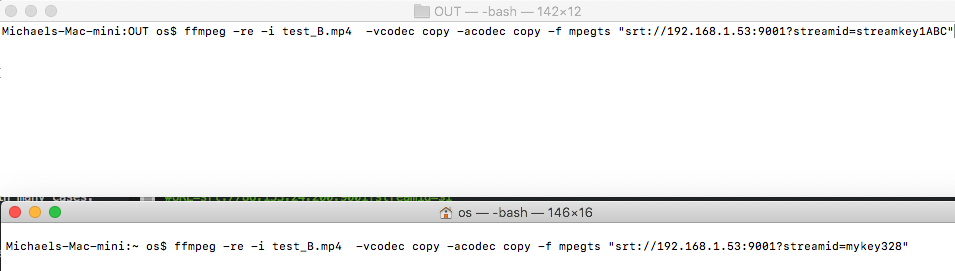
ffmpeg -re -i hd_25_example.mp4 -vcodec copy -acodec copy -f mpegts “srt://192.168.1.53:9001?streamid=streamkey1ABC”
NOTE: You need change IP and streamid for your value
You can run many commands (with different streamid) at same time for generate many feeds.For example I run 4 feeds to check my notebook for HD@25fps feeds:
Notebook with Core-i5 uses 17% for 4 streams of HD@25fps/2Mbs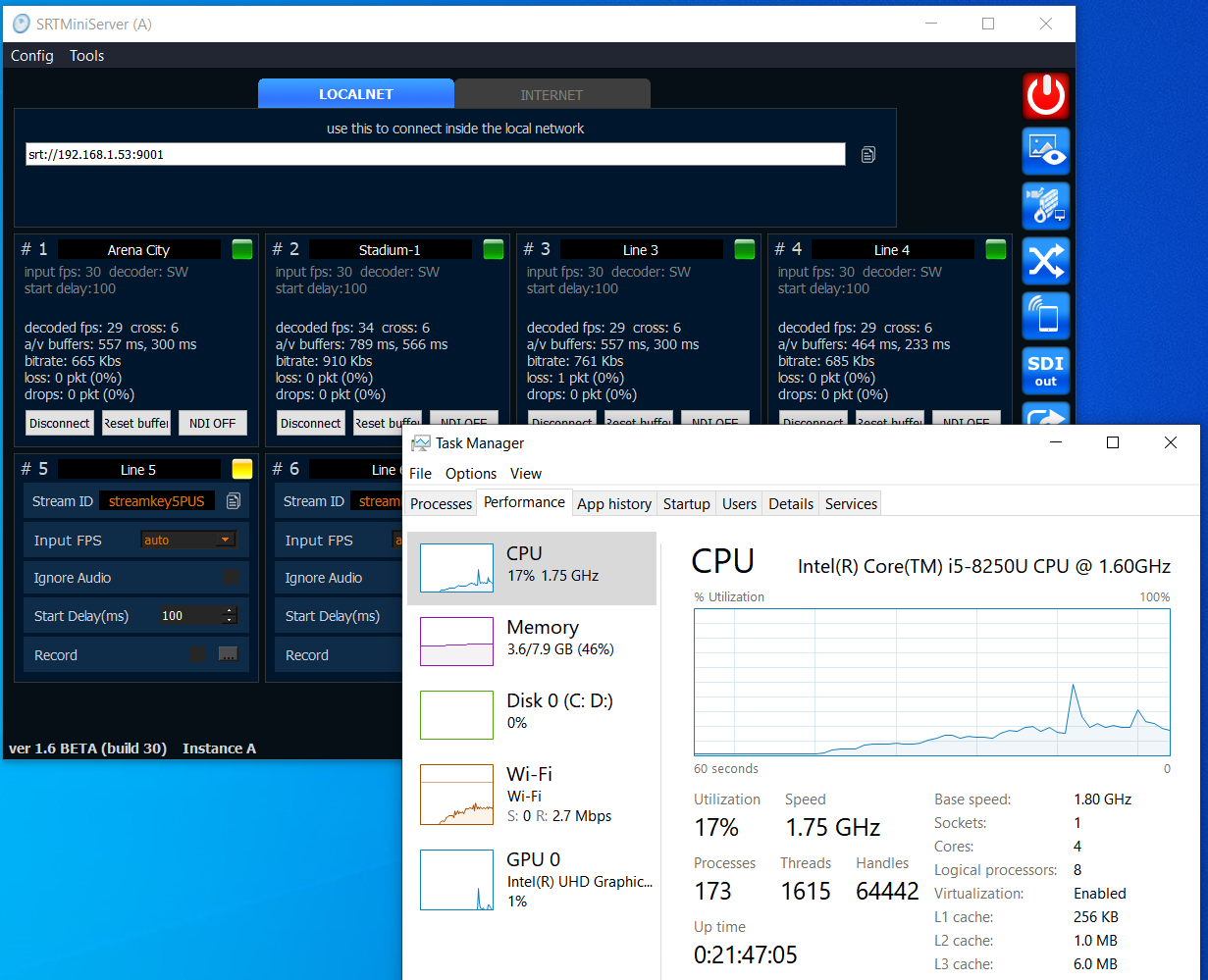 Example: Run few streams from macOS
 Don’t use Preview window long time
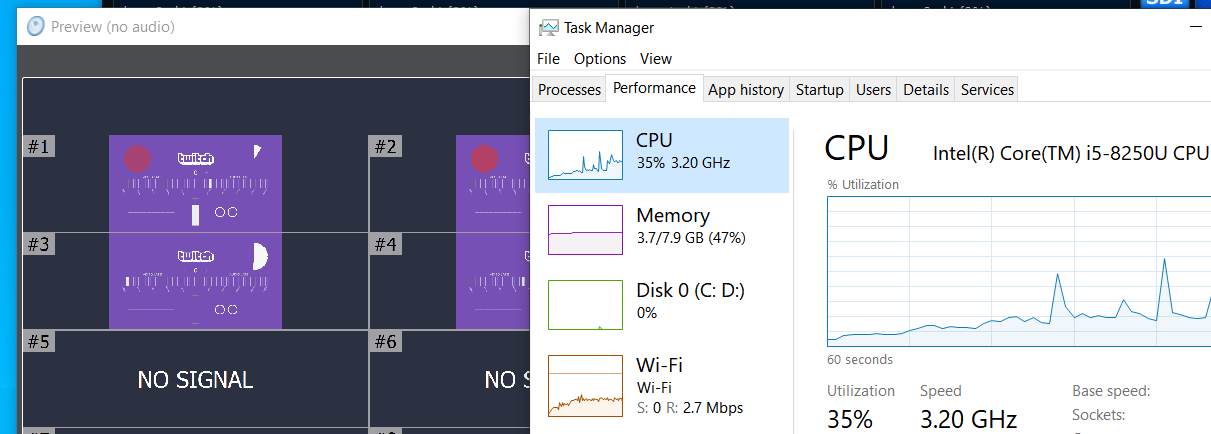
Built-in Preview window takes CPU for rendering, so no reason use it on slow PC long time. In our test we got increase CPU usage from 17% to 35% when open Preview window