Turn RTSP camera into SRT
Many of our clients face the challenge of transmitting video signals from network cameras that support RTSP to a remote studio.
These cameras only support the RTSP protocol, which isn’t well-suited for long-distance data transmission over the internet.
RTSP requires a white IP address for connection and is sensitive to packet loss.
As a result, clients often inquire about the possibility of converting the RTSP stream to SRT.
This is a completely feasible task, and it can be solved using our SRT Streamer PRO software.
Here’s how it works:
Installation:
Install SRT Streamer PRO on a dedicated computer.
This computer will act as an intermediary – receiving the RTSP stream from the camera and converting it to SRT without re-encoding. So the PC may not be very powerful.
Configuration:
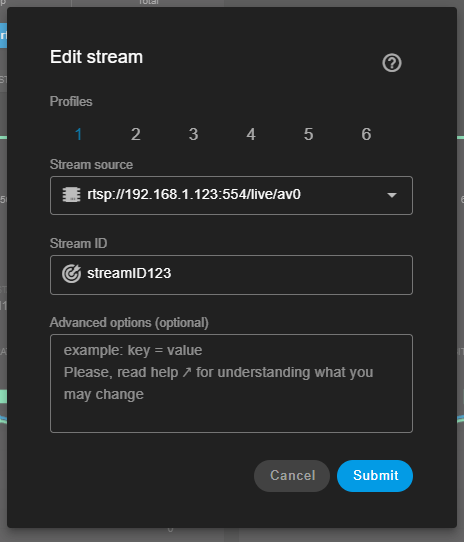
Add cameras to SRT Streamer PRO by specifying their RTSP addresses (see Network Sources )
Start Streaming:
Start the stream in SRT Streamer PRO. The program will receive the RTSP stream from the camera, “wrap” it in SRT, and send it to the studio.
NOTES: You can even use the trial version of SRT Streamer PRO for this task, as the watermark is not applied in this mode of operation.
What’s about perfomance ?
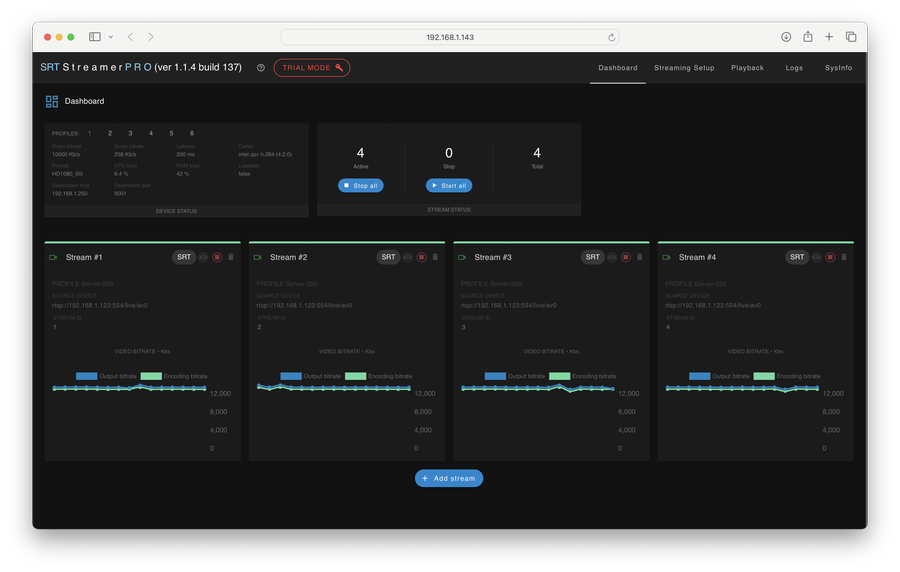
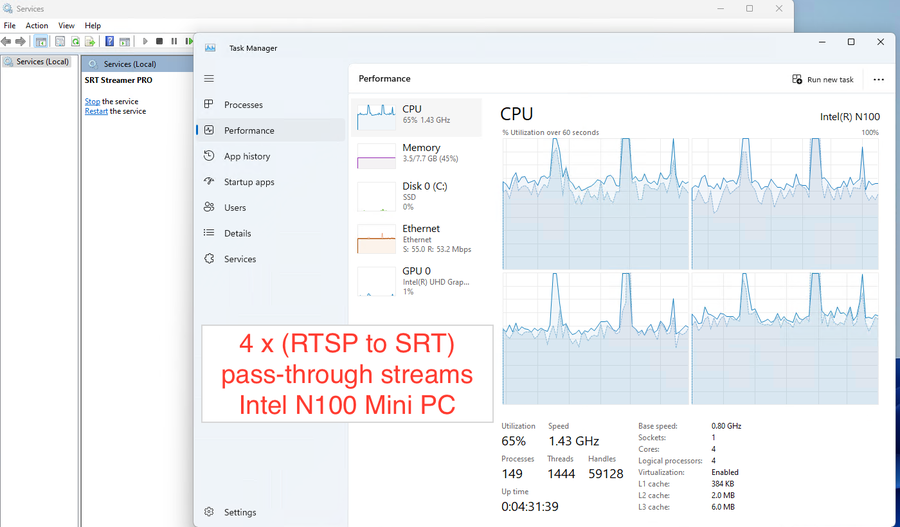
For example we test our Mini PC Intel N 100. We started 4x(RTSP_to_SRT) streams.
As you can see in the pictures below we tested for several hours and the CPU was 65% utilized.
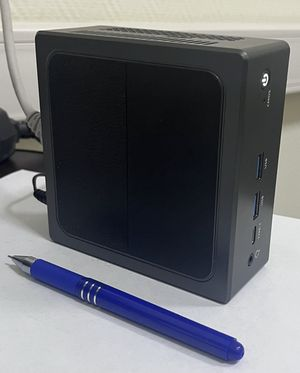
Mini PC
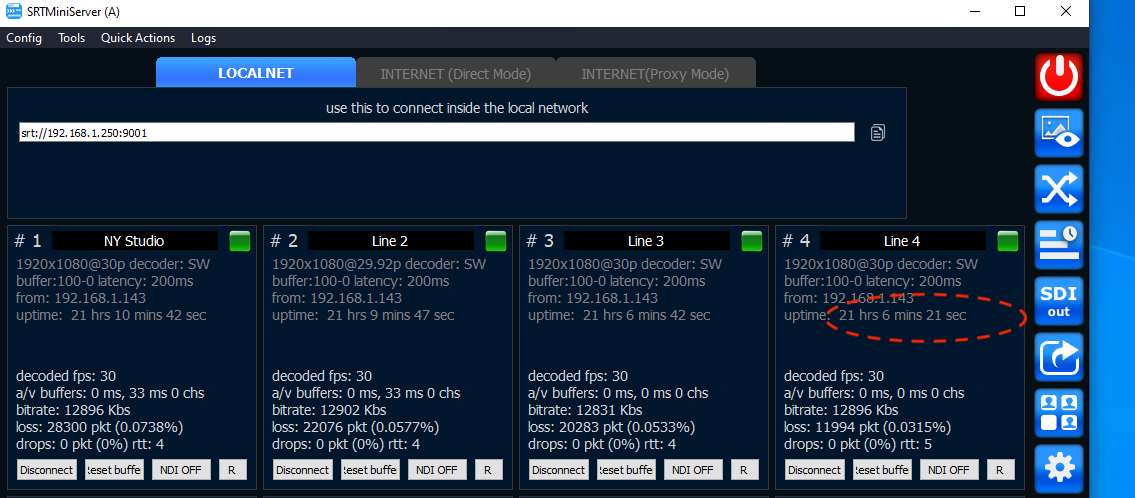
Server side