Server
Step 1: install
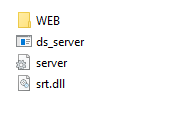
download Server.zip-archive and unpack (link )
Step 2: configuration
Update “server.ini” (by Notepad)
This file includes this rows:
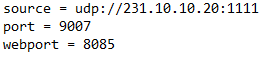
source — it’s UDP multicast address of MPTS source
port — is the external port (UDP) to which clients will connect.
webport — is the local port for logging into the WEB monitoring panel
Step 3: run
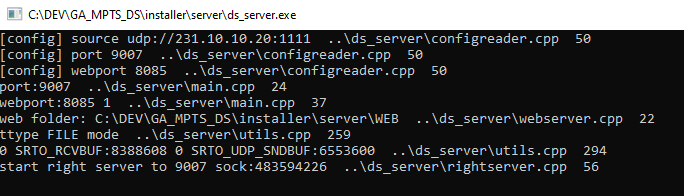
For run just click on “ds_server.exe”.
The system will open a console window where the server will be started. Do not close this window.
Step 4: monitoring
For monitoring please open browser and type
http://localhost:8085
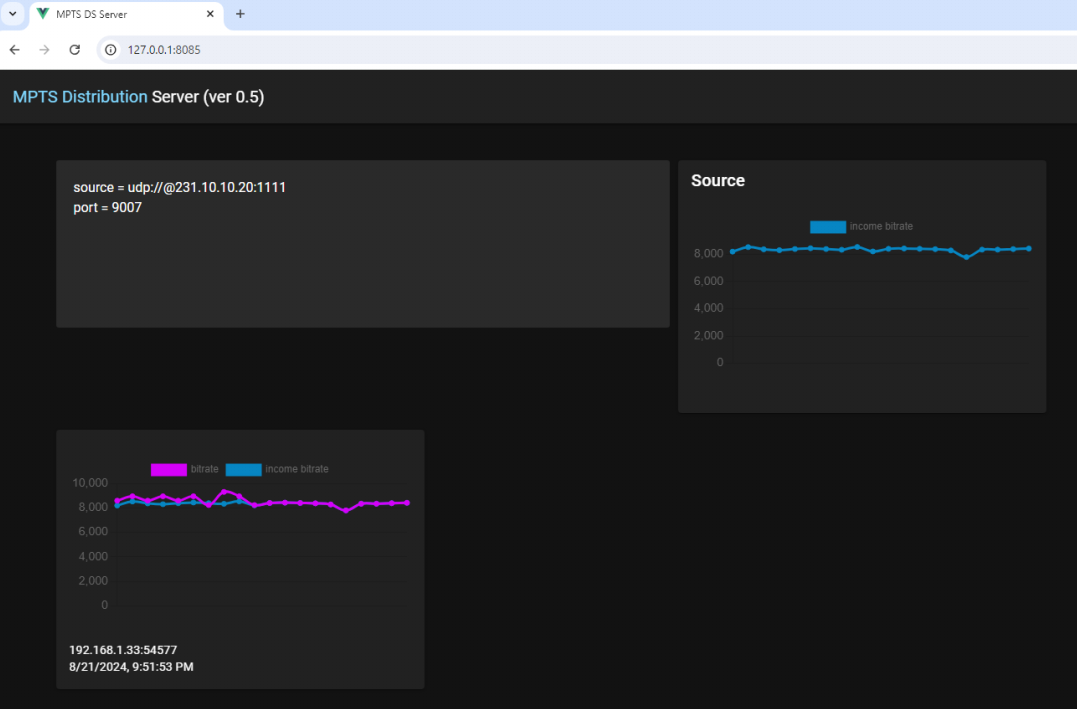
The panel will show the server settings, as well as a graph of the received MPTS stream.
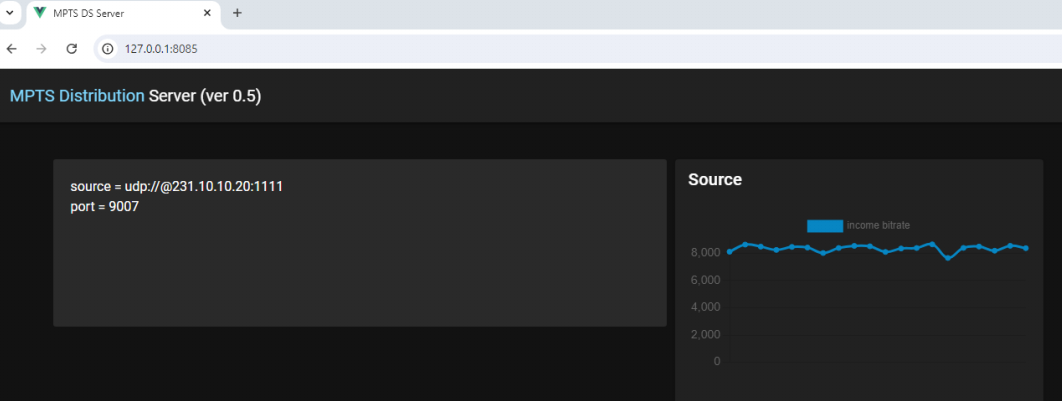
As clients are connected, information about them will appear in the panel:
Step 5: check network configuration
Once the server is connected it can accept connections from clients.
Make sure that your server has an external IP and an open port that is specified in server.ini (in our case 9007).
For example, if your server has public IP 94.241.173.162, then in the client configuration you need to specify ** 94.241.173.162:9007** as the ** server**parameter (see here )