Client
Step 1: install
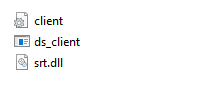
download Client.zip-archive and unpack (link )
Step 2: configuration
Update “client.ini” (by Notepad)
This file includes this rows:

server — it’s IP & port of Server
multicast_to — is the UDP address to which the received MPTS stream will be sent.
Step 3: run
For run just click on “ds_client.exe”.
The system will open a console window where the server will be started. Do not close this window.
At startup, the client will connect to the server and receive data from it. The received data will be sent to the UDP multicast address
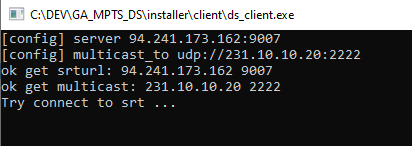
You can check the received stream for example with VLC by entering the address from the config (add @).
udp://@231.10.10.20:2222