RTMP Server
(since version 2.5)
The server can also receive RTMP streams in push-mode.
This makes it possible to receive signal from RTMP encoders, GoPro, DJI drones, LiveU, etc.
In this case proxy-mode operation is also available: it is possible to receive streams without a dedicated IP address.
Enabling RTMP server
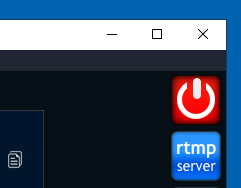
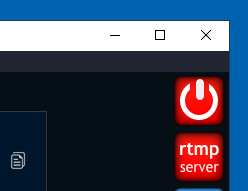
If you leave the button activated, the next time you start SRTMiniServer it will also be activated.
By default the RTMP server listens to port 1935, but this can be changed via the rtmp_port parameter in Advanced Settings .
Use stream IDs of corresponding lines as RTMP Stream Key.
The line for encoder connection looks like this:
rtmp://IP:PORT/live/STREAM_ID
for exampe:
rtmp://192.168.1.33:1935/live/streamABC123
Proxy-mode for RTMP
Since RTMP unlike SRT uses TCP, the proxy addon is used differently.
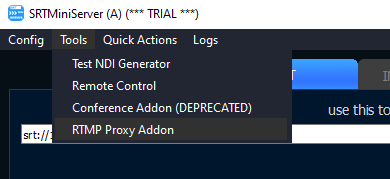
To start it, go to Top Menu–>Tools–>RTMP Proxy Addon
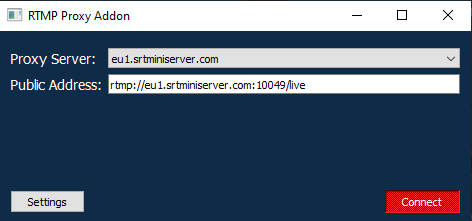
After connecting to the proxy server you will get the address for the connection, you only need to add the Stream ID of the corresponding line to it.