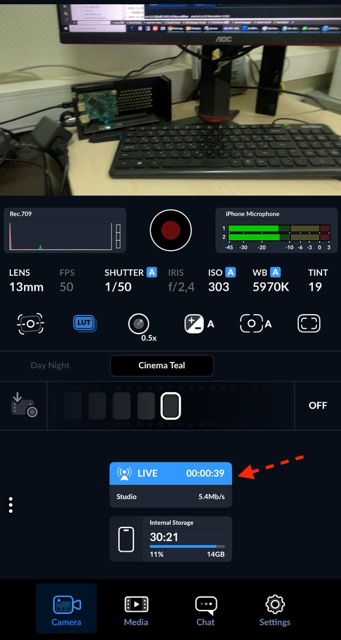
Blackmagic Camera App
Blackmagic Camera, the app from Blackmagic Design, has a lot of features. Streaming settings can only be applied through an XML file. We made this as simple as we could: the file is ready in about half a minute.
Link Generator
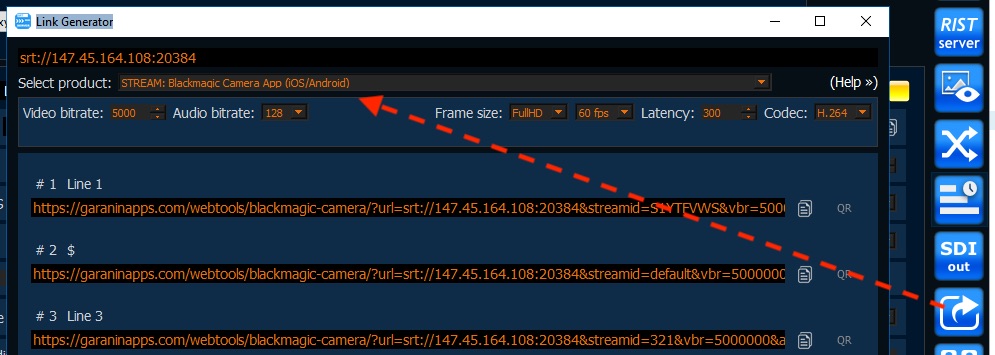
Open Link Generator. In Select product choose STREAM: Blackmagic Camera App (iOS/Android). Set bitrate, frame size, latency, and codec.
Copy the link for the line, or open QR and scan it with the phone.
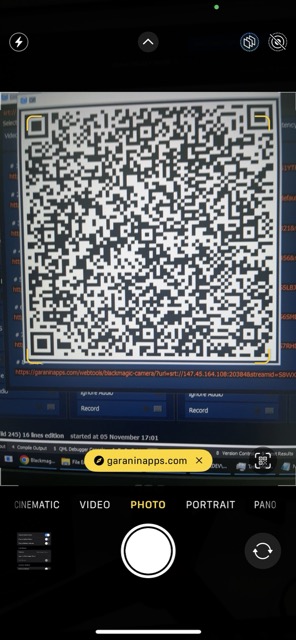
The link opens a WebTools page. Download the XML file.
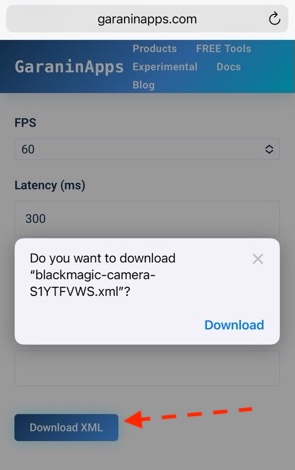
Blackmagic Camera
Open Settings.
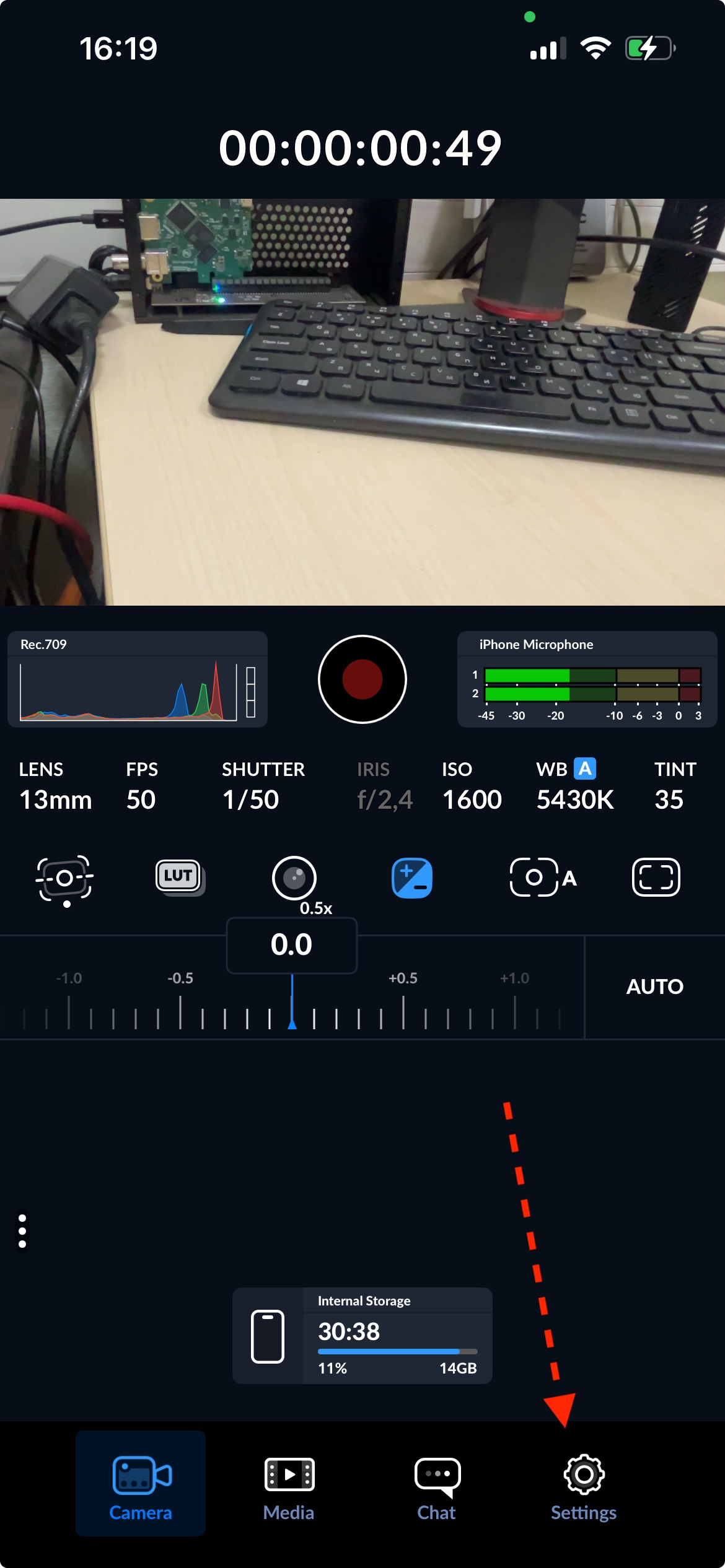
Under Live Stream, open Platform.
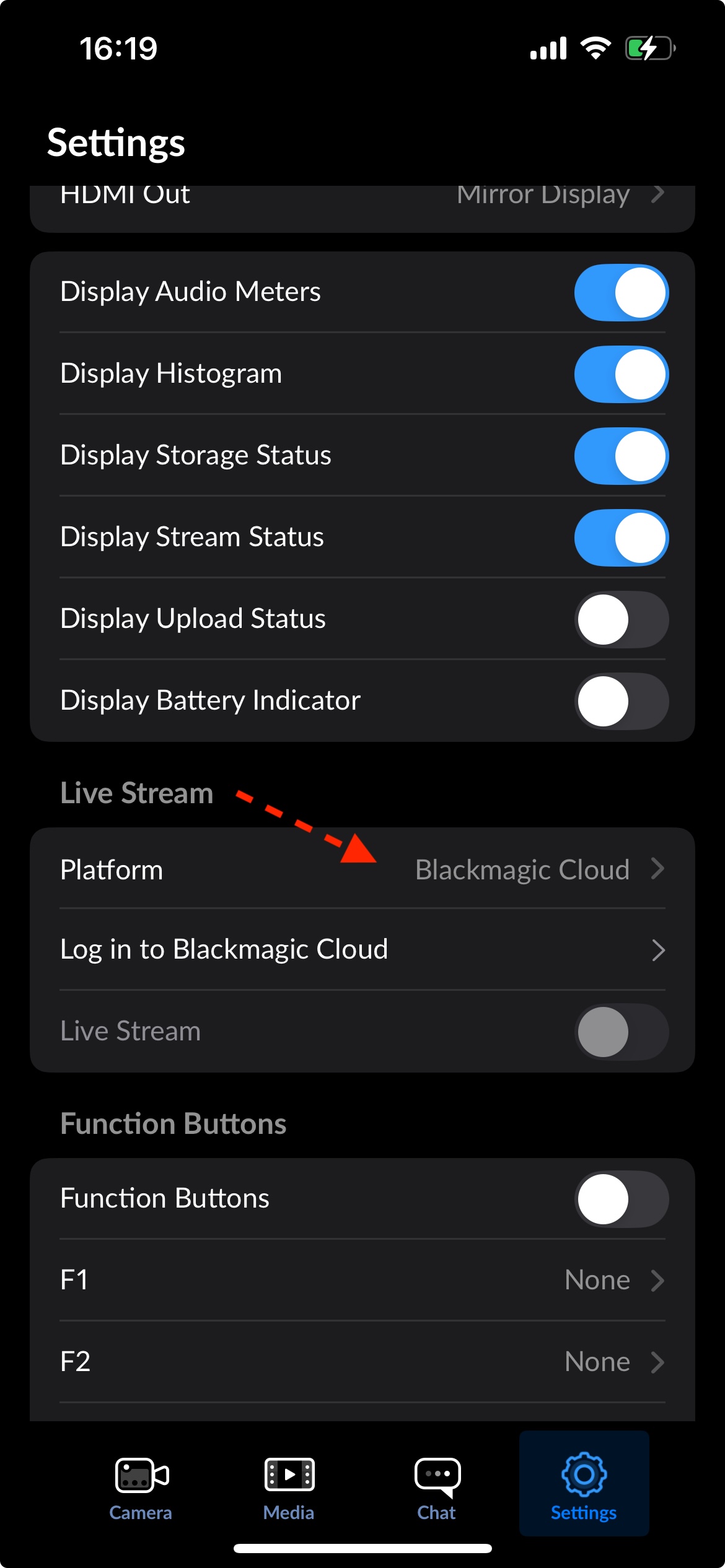
Tap Import Stream Settings.
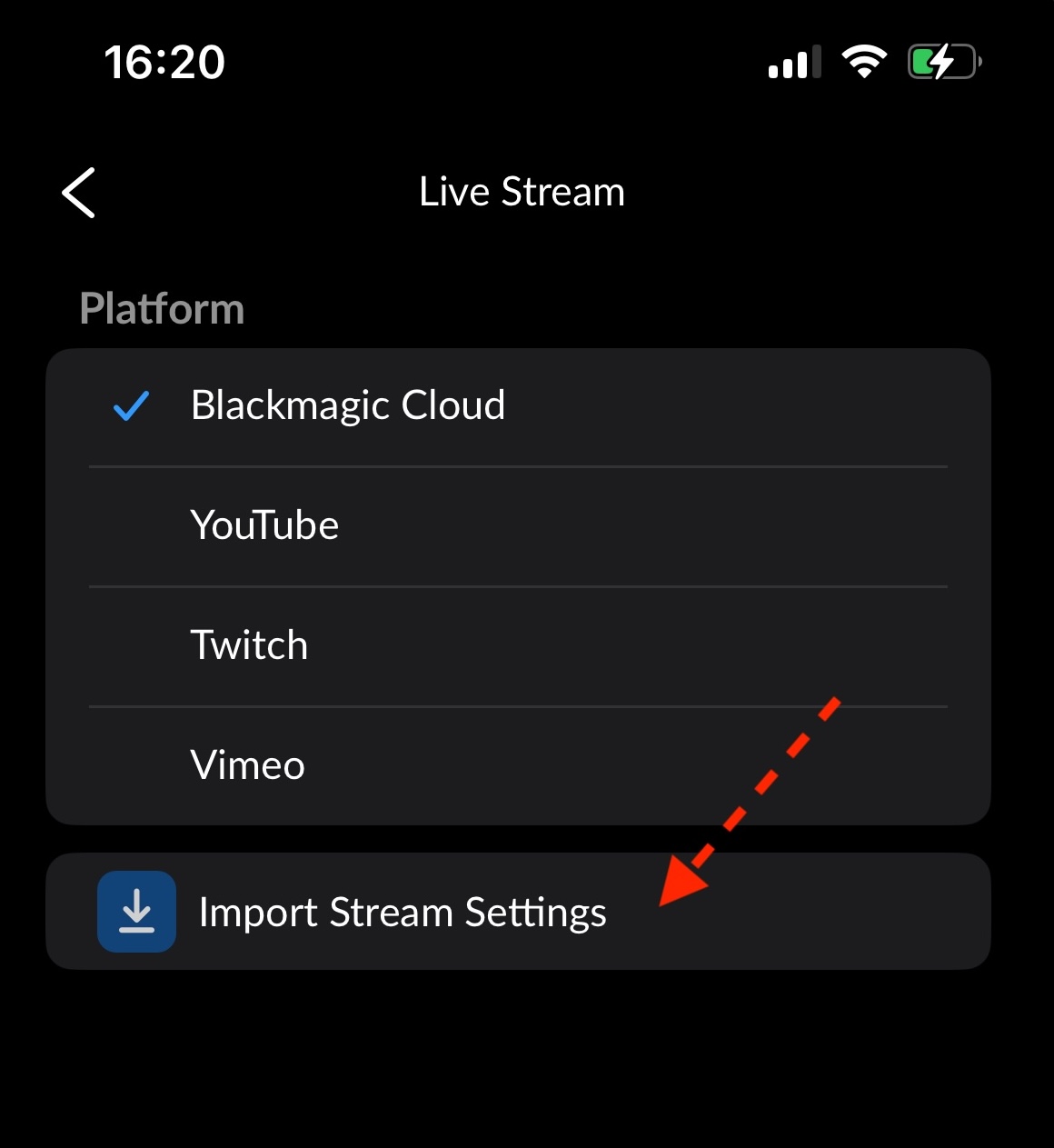
Select the XML file you just downloaded.
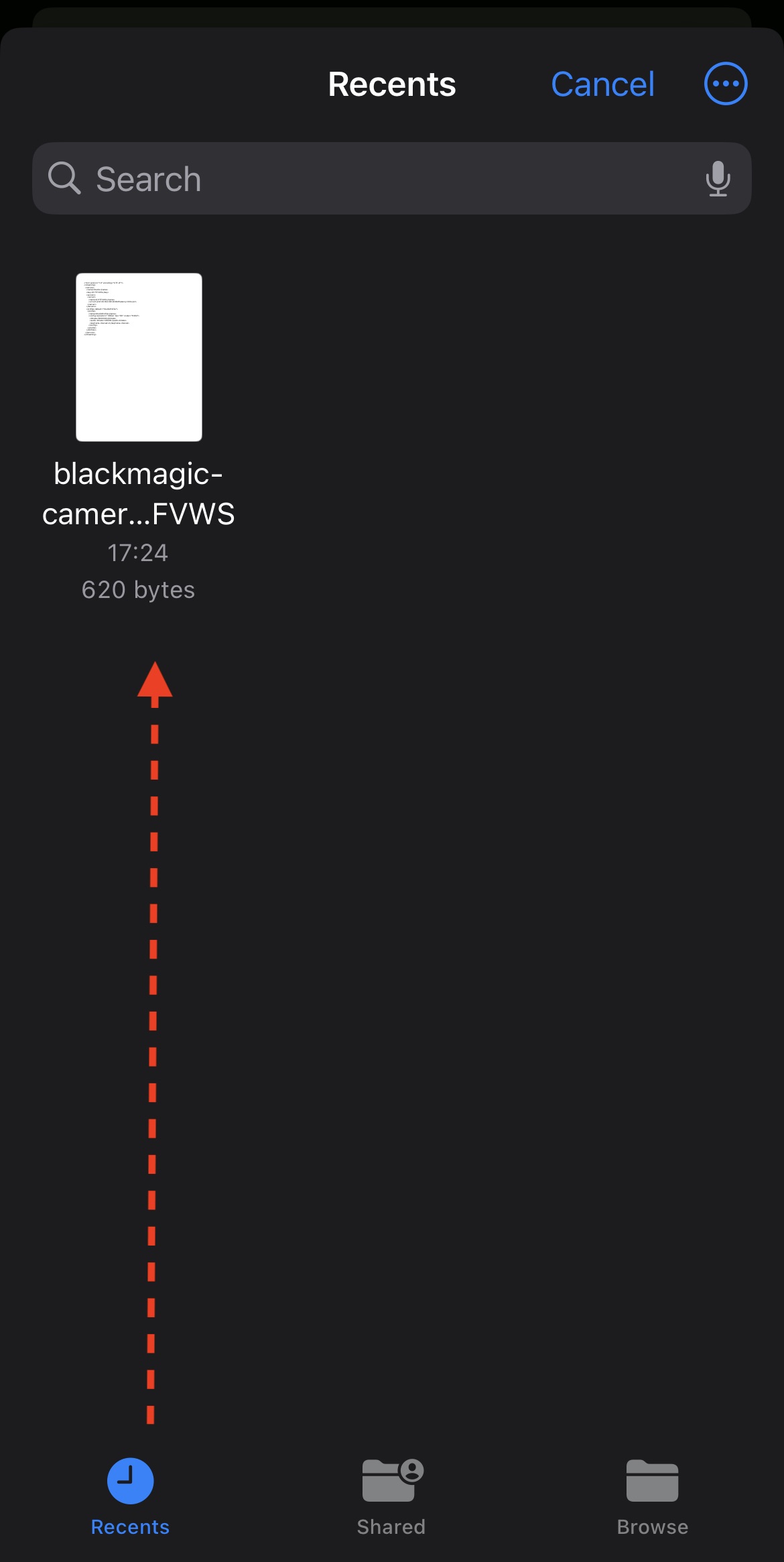
Studio appears in the list and is selected.
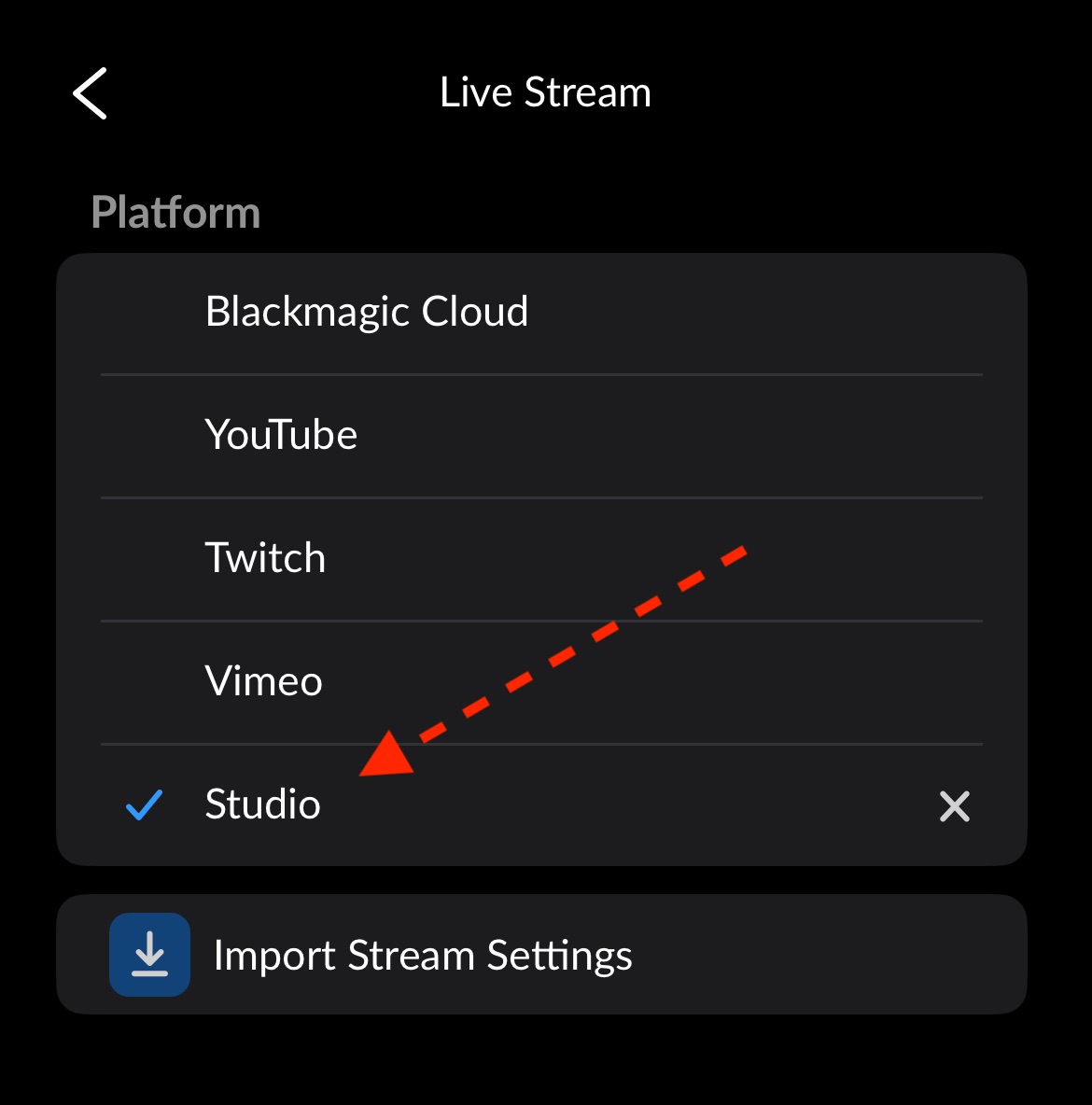
The stream settings are filled in. Turn Live Stream on.
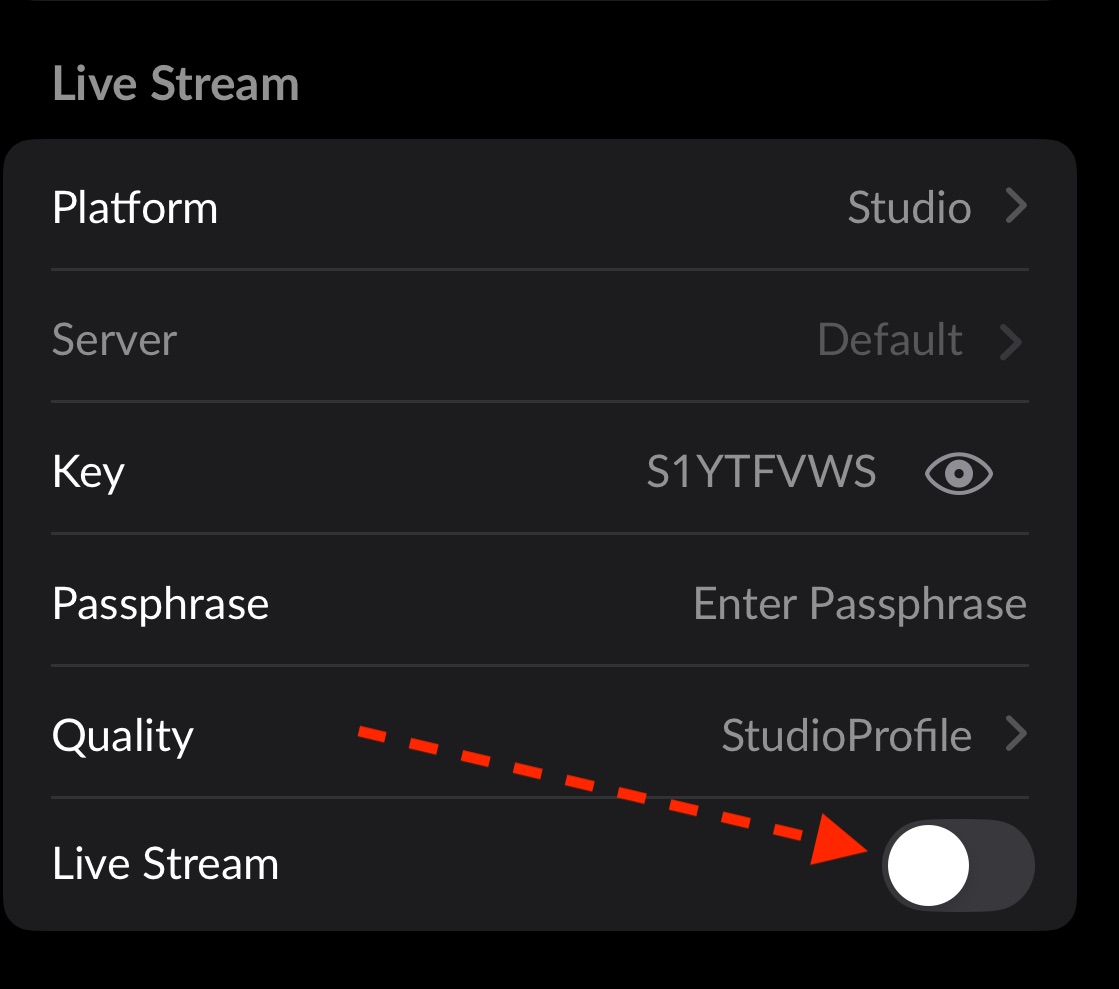
The camera is live.