Deploy on Amazon EC2
Setting up a proxy server on AWS EC2 is easy with basic instructions.
Here we will just show you the important steps in creating a virtual server.
The pros of hosting with AWS are as follows:
many geo-regions
hourly billing. you just need to configure the instance once and then turn it on only when needed.
NOTES: You can see video about this here .
At first select region.
We recommend placing the proxy server close to the signal source.
For example, if your studio is in Paris and the reporter is in Australia, it is better to place the proxy server in Australia. This will put the signal on good channels as early as possible.
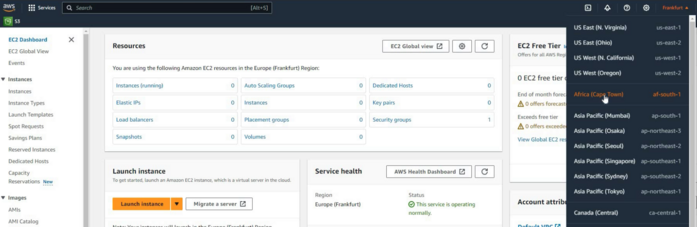
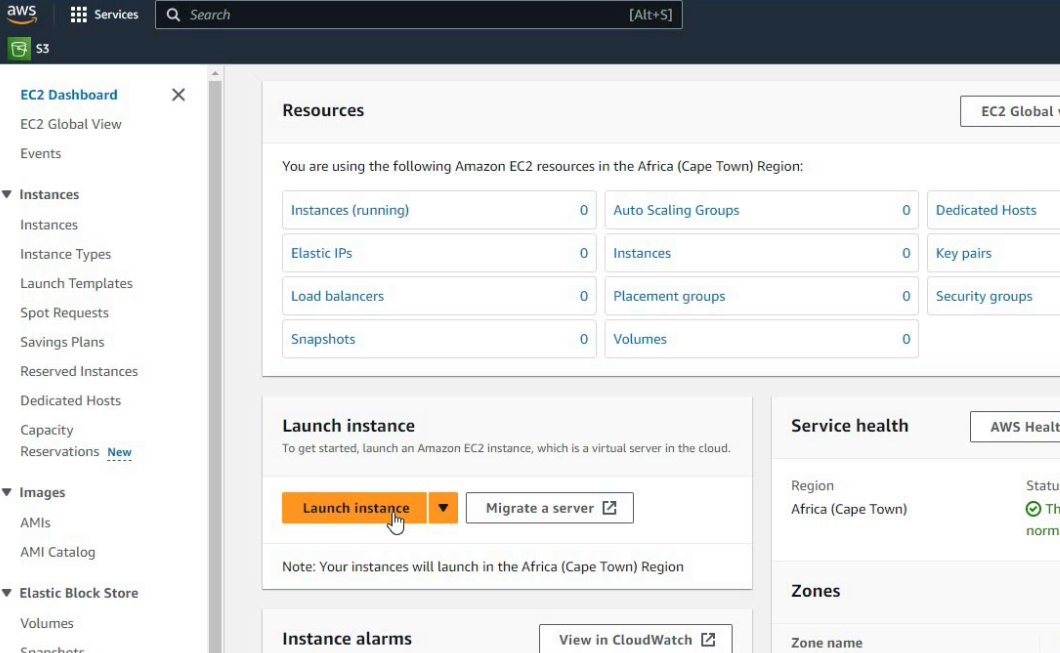
Launch instance
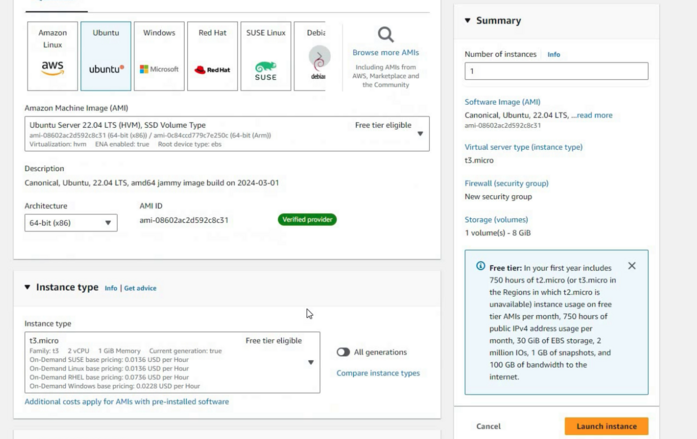
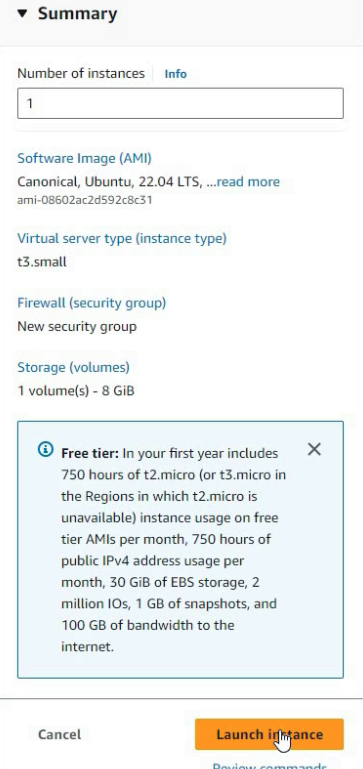
We recommend use Ubuntu, t3.micro.
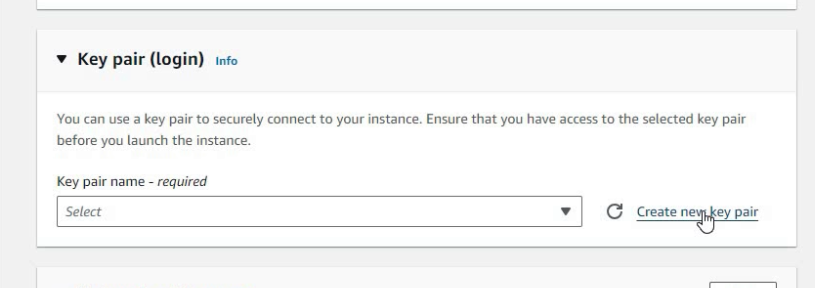
Create key pair (We won’t use it, but it’s better to create)
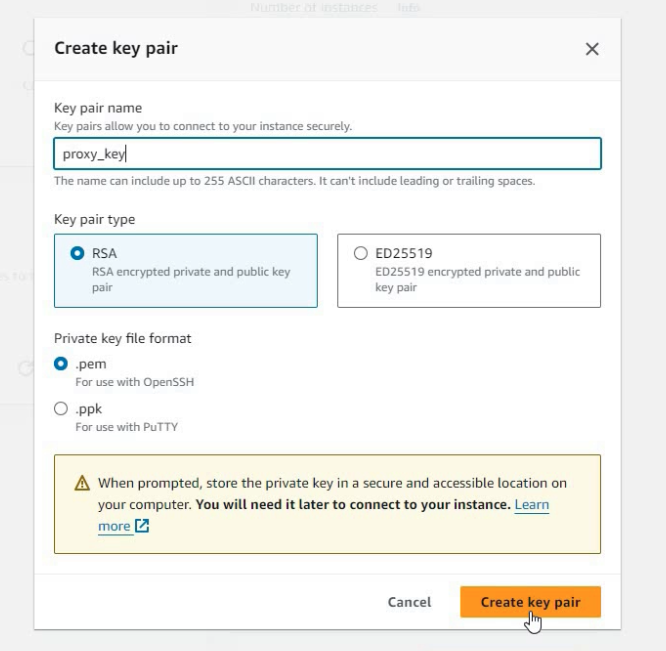
So check params and click Launch
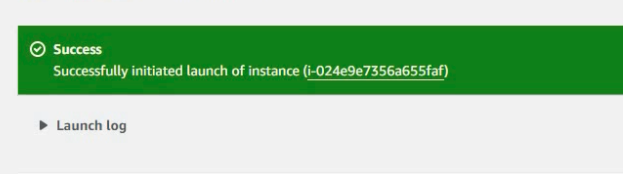
Open instance
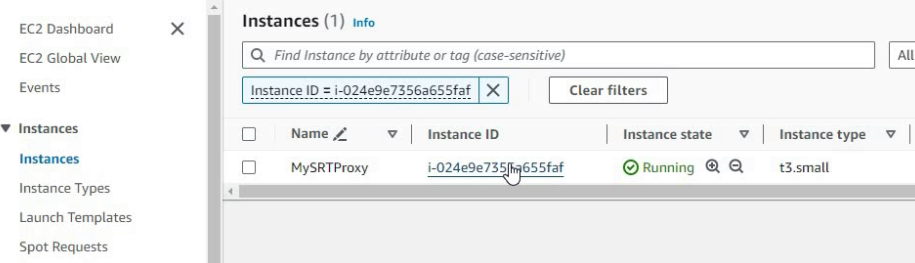
Now we need Firewall configurate
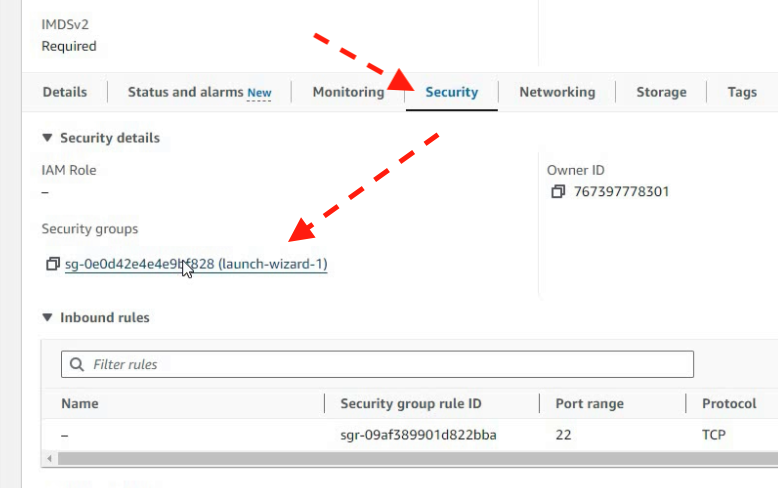
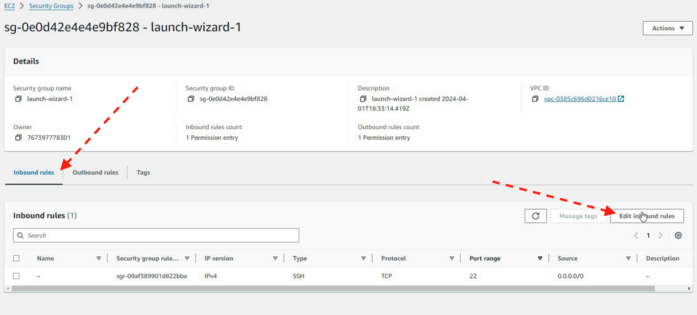
we need edit Inbound rules
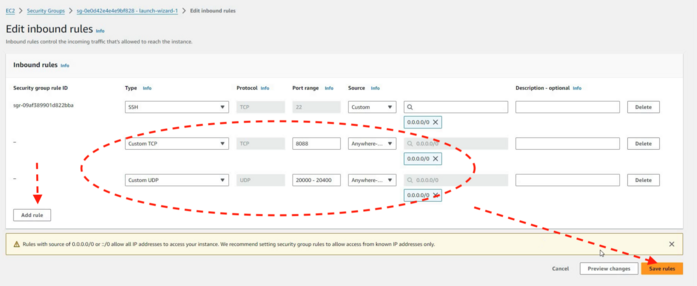
add range of ports for UDP and TCP as on image:
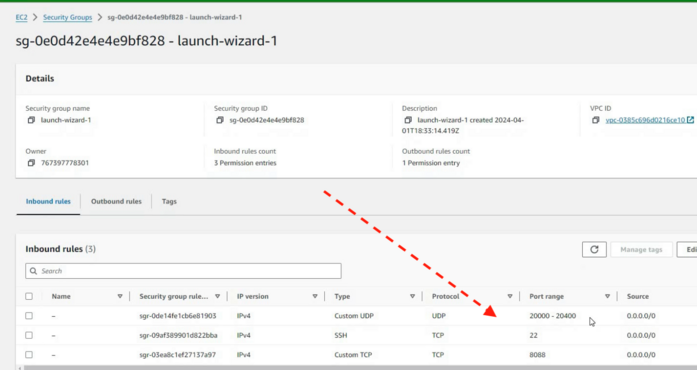
check Inbound rules:
Now connect to server
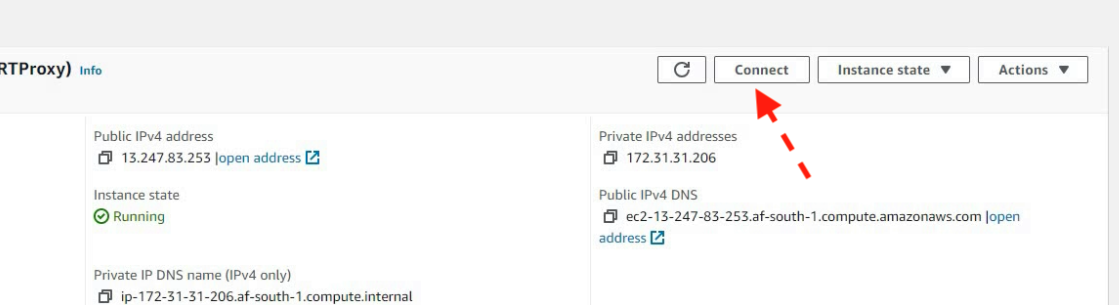
select Web-browser console:
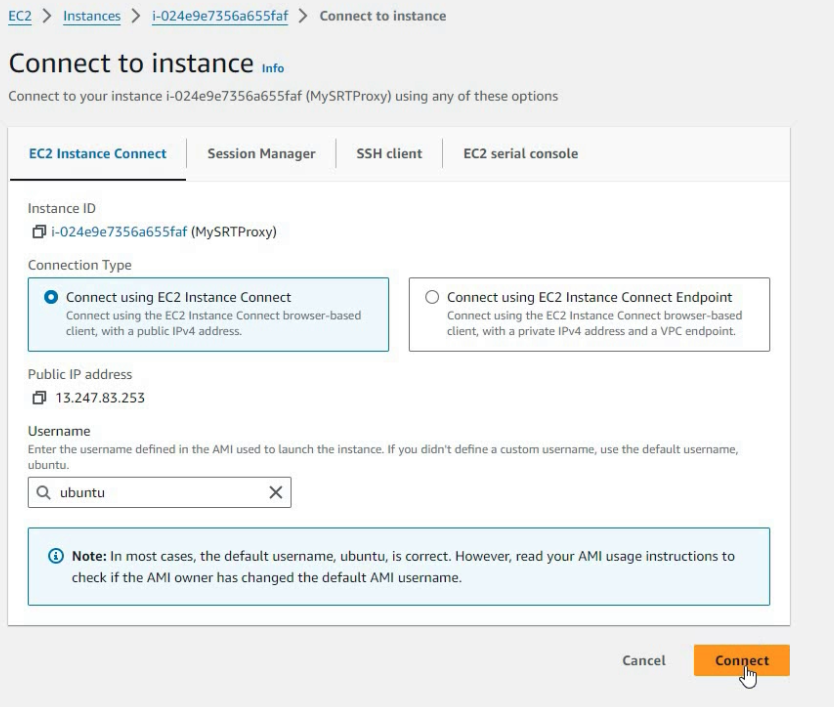
Now we connected to console:
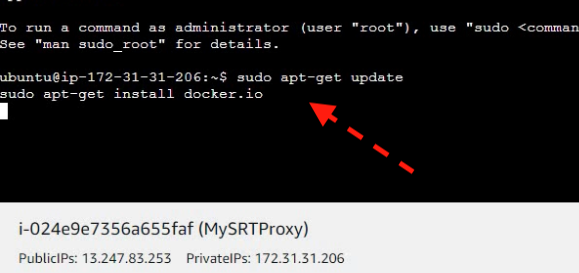
So you need copy / paste commands from guide and after finish just close console. Server is ready for use.
NOTES: After use you can stop the server and in this case you can significantly save on server fees.
The only important thing to remember is that your server will have a different public IP address the next time you start it.