REMI: Tally
(BETA FEATURE)
SRT Streamer PRO can receive Tally info from Studio and transfer it to cameras.
It supports:
NDI tally: if source is NDI cam then SRT Streamer PRO turns on tally lights on this cam
Web-tally: you can use smartphone as Tally. Just open http://192.168.1.33:8082/tally (change IP to IP of SRT Streamer PRO ).
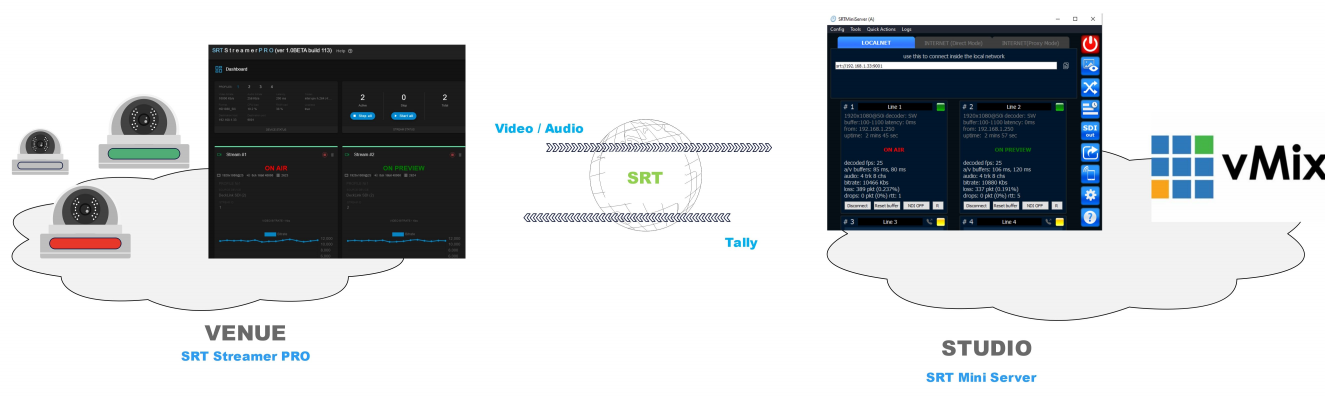
workflow
Studio Side
On Studio Side you need SRT Mini Server (ver 2.4.5+) and any switcher with tally support. For example vMix. Outputs from SRT Mini Server should be used in vMix by NDI.
So SRT Mini Server will receive tally info from vMix:
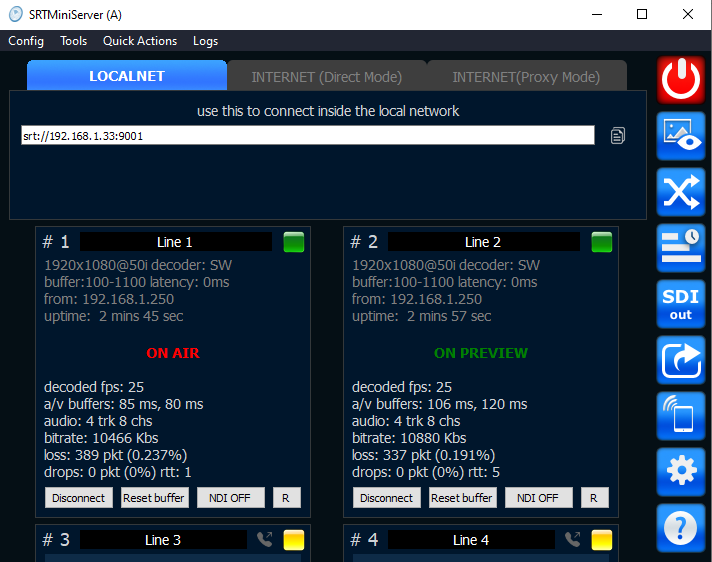
Tally info from vMix
Venue Side
You need SRT Streamer PRO.
Go to Streaming setup and turn on “REMI Control” option
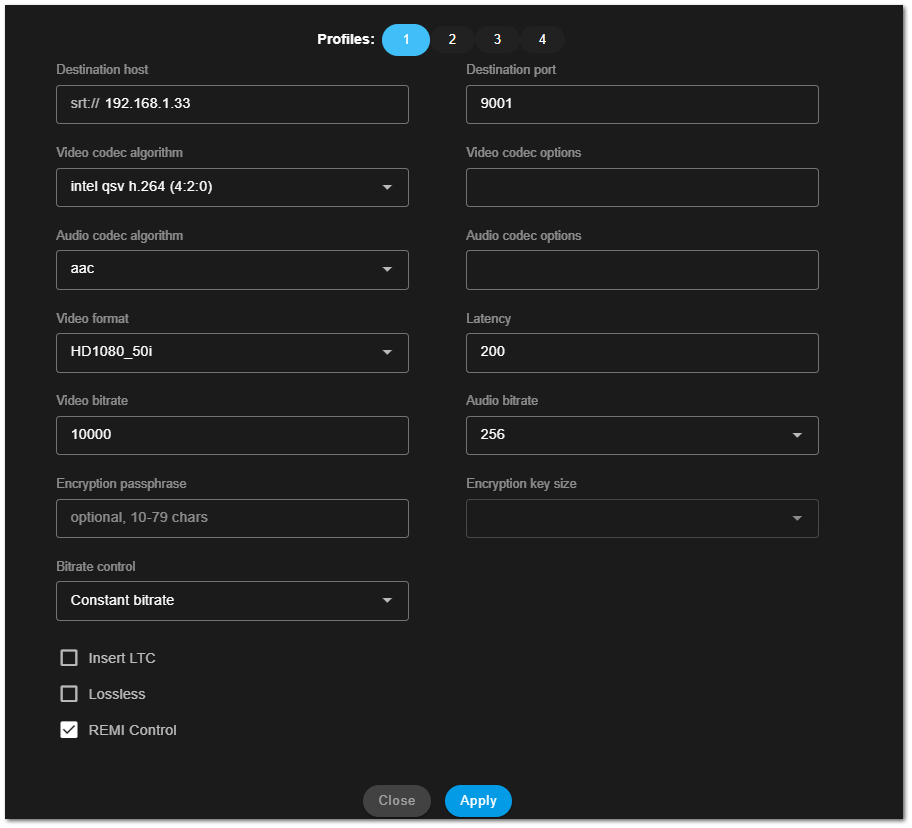
turn on REMI Control
After connection SRT Streamer PRO will be display Tally info received from Studio side:
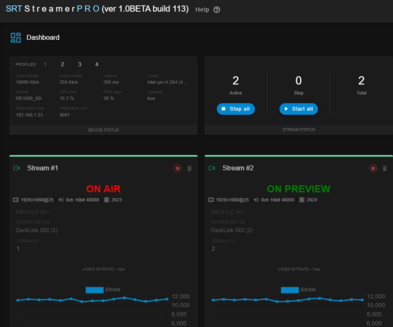
Tally Lights
Current version of SRT Streamer PRO supports Tally Lights:
on NDI based cam with Tally lights (BirdDog, PTZOptics etc)

NDI cams with Tally (BirdDog, PTZOptics etc)
on smartphone: go to http://IP_OF_STREAMER_PRO_PC:8082/tally