PresentCast
A simple way to send a presentation from the speaker's laptop without cables.
for conferences and live production
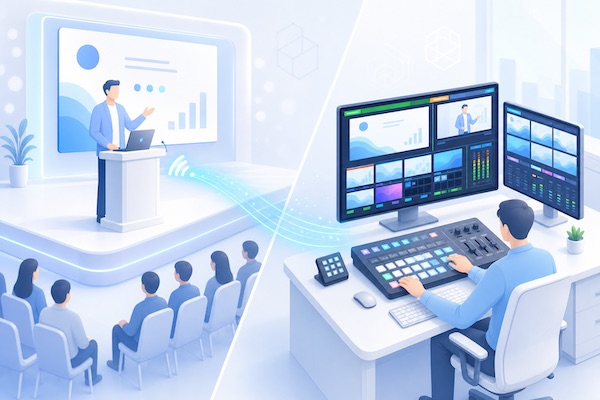
Presentation from speaker to production team, wirelessly
At conferences, speakers often want to show slides from their own laptop. For the live production team, that becomes a separate challenge: capture the screen quickly and reliably, without depending on HDMI adapters, video outputs, or each computer’s settings.
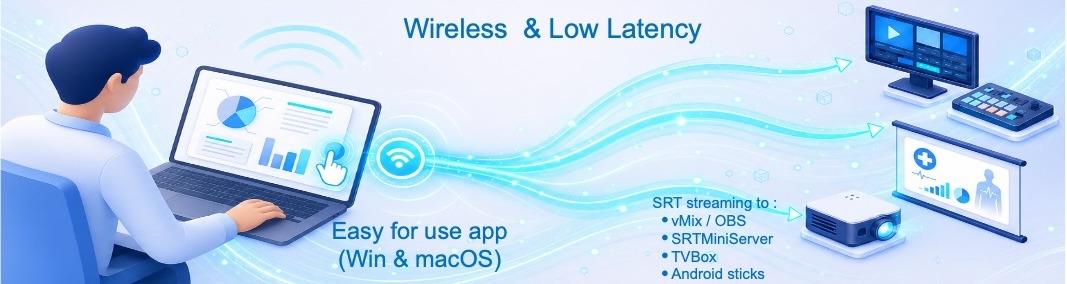
PresentCast is built for exactly this scenario. The speaker launches PresentCast and starts the show; the production team receives the presentation over SRT for vMix, SRTMiniServer, venue screens, recording, or further live streaming.
It is possible to run from a USB flash drive without installation
for audiences and meeting rooms
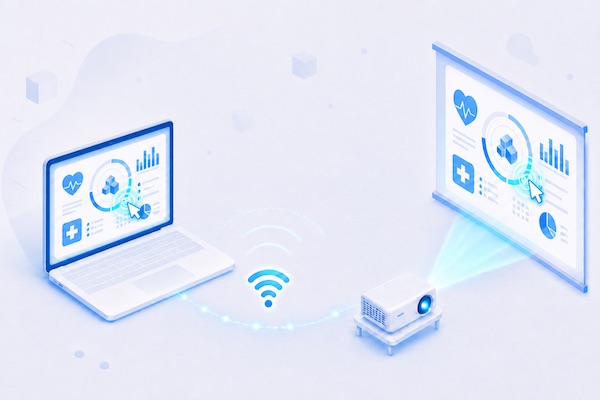
Laptop to projector, wirelessly
In schools and business meeting rooms, you often need to put a laptop screen on a projector, TV panel, or large display quickly. PresentCast removes the need for HDMI cables, adapters, and whatever video outputs happen to be on that laptop.
A teacher, employee, or guest launches PresentCast and starts presenting. The server side can run inside your infrastructure, so the solution fits universities, schools, offices, and private networks.
there is a Pointer to emphasize points